Photo & video settings
Starting f-stops, shutter speeds, ISO, and frame rates for daylight portraits, indoor briefings, concerts, sports, night scenes, and more. Includes manual modes, autofocus, white balance, LED flicker, and smartphone tips.
Camera settings, reporting protocols, and production tools for journalists and creators. Keep them within reach when the internet goes out or the deadline moves up.
Starting f-stops, shutter speeds, ISO, and frame rates for daylight portraits, indoor briefings, concerts, sports, night scenes, and more. Includes manual modes, autofocus, white balance, LED flicker, and smartphone tips.
Before, on-scene, and before-filing guidance for breaking news, press briefings, protests, courts and public meetings, severe weather, credentialed events, sensitive interviews, and elections.
Fill out, print, or export assignment check-ins, interview notes, verification logs, rights notes, and creator deliverables. Estimate media storage and freelance project costs.
Offline workflows for GIMP photo editing, Shotcut video editing, and Audacity audio editing, with official download links. Install the desktop apps separately before heading out.
Search guides on interviews, public records, verification, rights clearance, backups, captioning, and disclosures. Plain-text references and printable PDF forms are included for compatible phones.
Find the newsroom, membership information, how to join, and public member verification, along with links on journalism ethics, recording rules, and field safety.
Different assignments call for different contacts and ways of working. PressPassOS gives you a checklist for each stage, from planning a safe vantage point to attributing claims before you file.
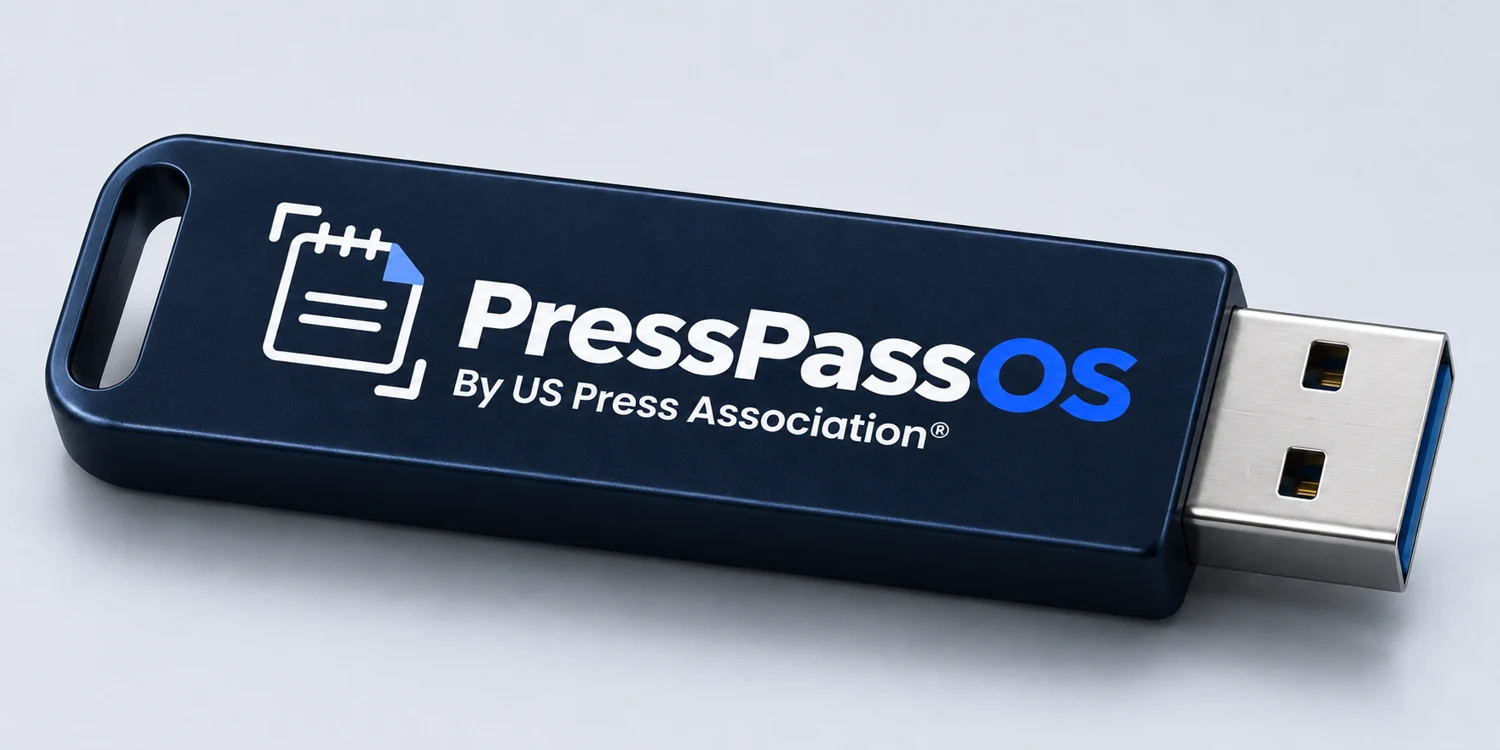
The toolkit ships on a preloaded USB drive. The gallery shows connector concepts. Check the purchase listing for available connectors and device compatibility.
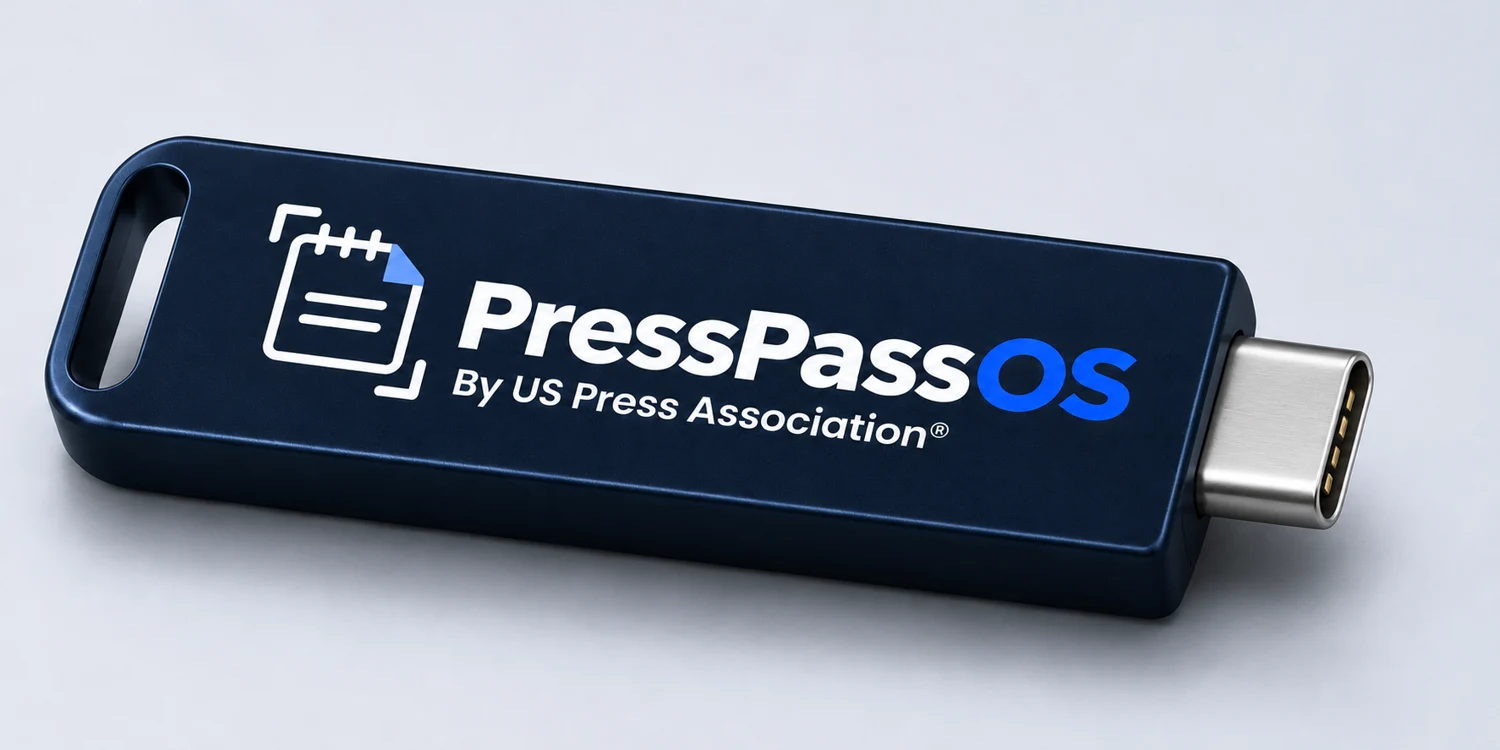
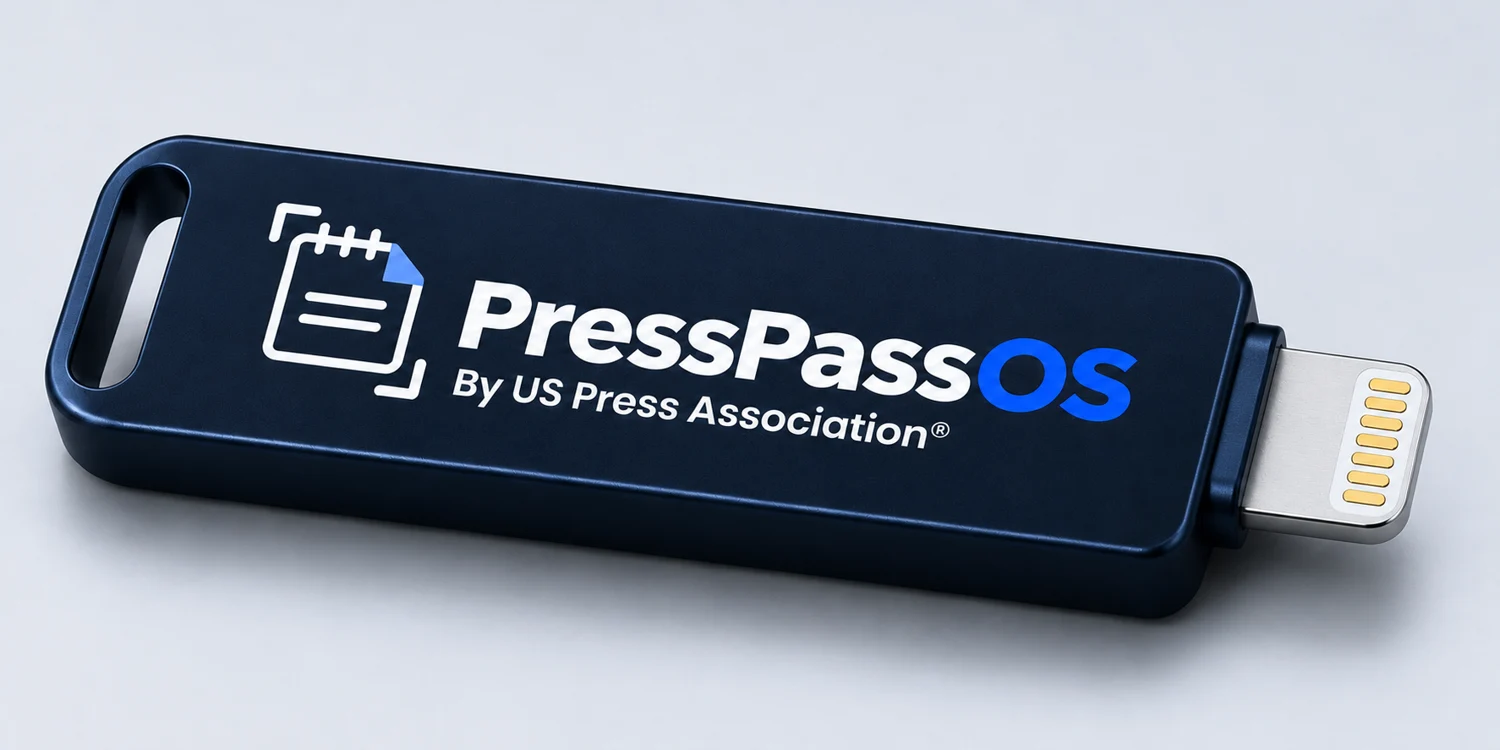
Online ordering isn’t open yet.
On a compatible computer, connect the drive and open START_HERE.html in your browser. The included guides, forms, calculators, and workflows work offline.
The phone folder contains plain-text references and printable PDF forms. Access depends on your phone, connector or adapter, and file manager. The editing apps listed in the toolkit are desktop applications.
The drive includes workflows for GIMP, Shotcut, and Audacity, with links to download the apps separately. The downloads and other external links require internet access.
PressPassOS is a field reference and production toolkit. US Press Association membership, press credentials, and event accreditation are handled separately.